The new 3D cities on Google Earth for Android

Explorers of the world, rejoice! There is now a new way to explore the world, right from the palm of your hand. Gone are the days when the only way to get a bird’s eye, 3D view of your favorite metropolitan area was from the window of a penthouse apartment or helicopter. Now you can soar above your favorite cities in 3D, with Google Earth for mobile.


New 3D Imagery

We recently shared a preview of this striking new 3D imagery and starting today, you can take flight yourself with our latest version of Google Earth for Android. An updated version of Google Earth for iOS will be also be available soon.
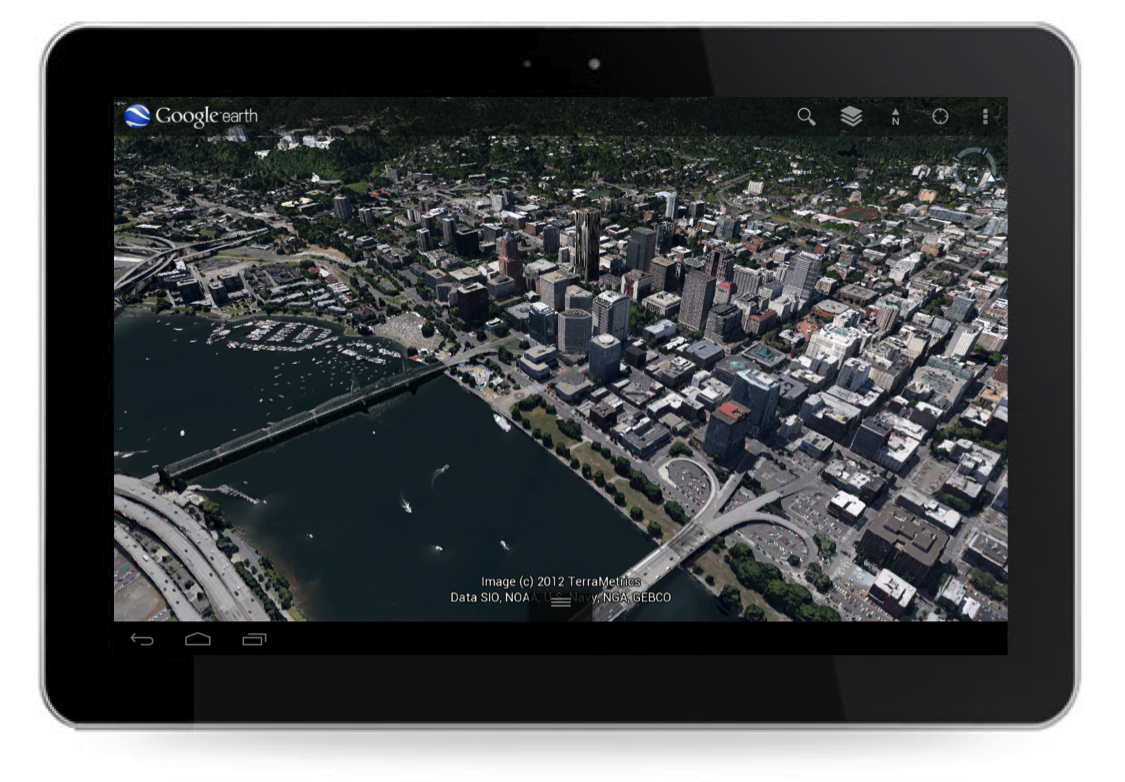


New 3D imagery of Portland, Oregon

Creating this comprehensive 3D experience is possible due to advanced image processing. Using 45-degree aerial imagery, we’re able to automatically recreate entire metropolitan areas in 3D. This means every building (not just the famous landmarks), the terrain, and any surrounding landscape of trees are included to provide a much more accurate and realistic experience.


Get started today by taking a virtual flight over one of our initial 3D imagery cities: Boulder, Boston, Santa Cruz, San Diego, Los Angeles, Long Beach, San Antonio, Charlotte, Tucson, Lawrence, Portland, Tampa, Rome or the San Francisco Bay Area (including the Peninsula and East Bay). We’ll continue to release new 3D imagery for places around the world over the coming months; by the end of the year, we aim to have new 3D coverage for metropolitan areas with a combined population of 300 million people.

Tour Guide

Not sure where to begin? Let the new tour guide help show you the way. We’ve put together short tours of thousands of famous places and historical sites across the globe so it’s easier than ever to discover amazing places. Just pull up the tab at the bottom of the screen to open the tour guide. Each image highlights a tours or place of interest in the area you are looking. Click on an item and you will be flown there. As you fly in and around the sites, snippets from Wikipedia provide additional information about the location. It’s like having a local expert right beside you!
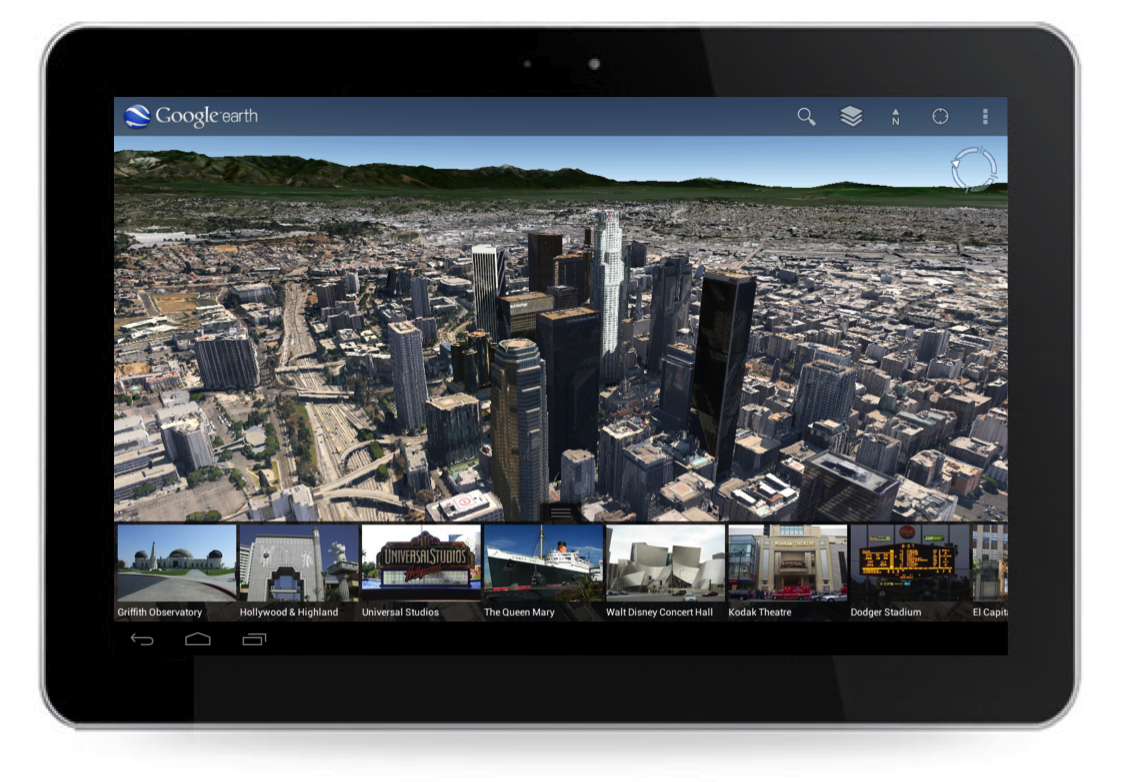


Tour guide showing top destinations around Los Angeles.

We hope this more accurate, comprehensive and realistic 3D representation of the Earth brings out the inner explorer in you. Whether you are visiting familiar grounds or venturing out into the world, Google Earth is there to show you the way.
SketchUp: The New England Aquarium

April Phelps is a LEED-accredited designer who works at the New England Aquarium creating new exhibits and enhancing existing ones. Boston’s New England Aquarium is one of the many non-profit organizations to which we’ve granted SketchUp Pro licenses as part of the SketchUp for Nonprofits program.

SketchUp Pro has been a big help to us in the New England Aquarium Design Department. The Aquarium was founded in 1969 and attracts over 1.3 million visitors a year to our waterfront location. Recently the Aquarium’s capital improvement plan called for a complete renovation of our changing exhibits space, and we decided to part with the Aquarium’s traditional design aesthetic and embark on a new path.

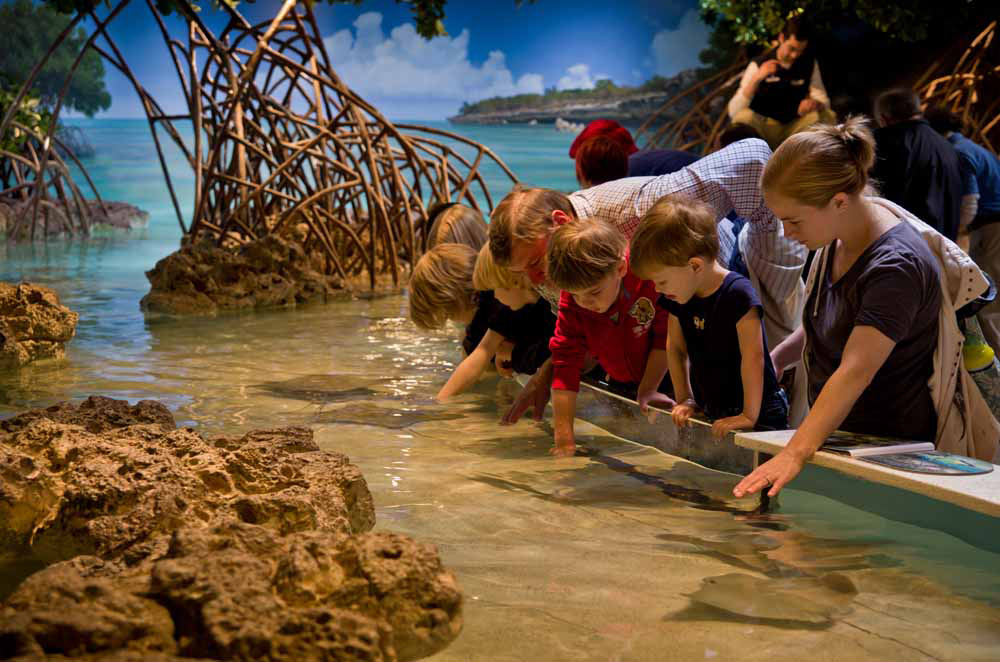
Families touching the rays in our new shark and ray touch tank exhibit


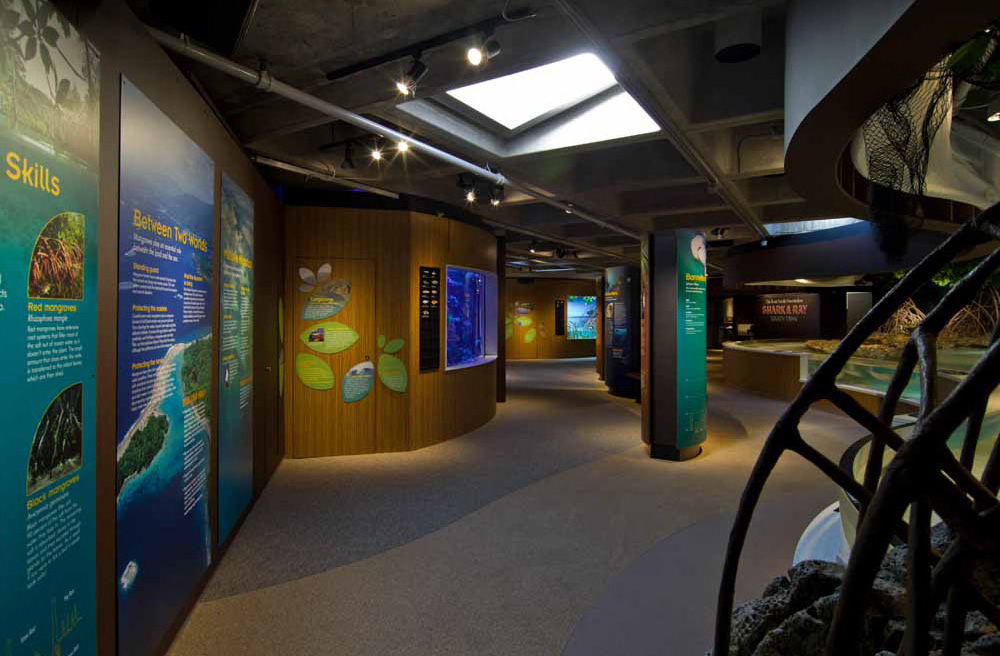
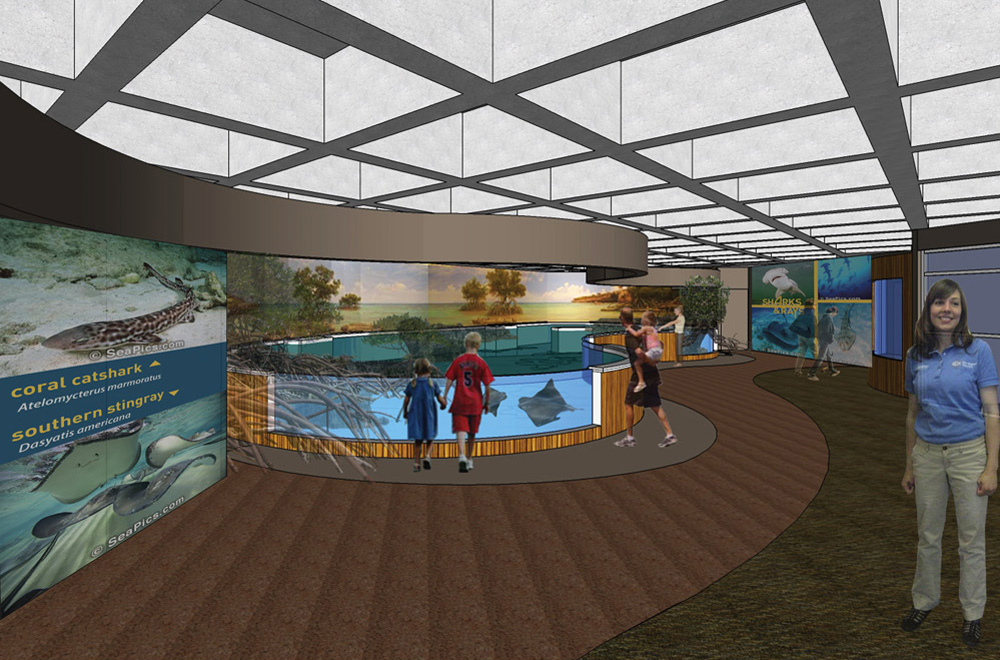
The newly completed exhibit we designed in SketchUp Pro is called The Trust Family Foundation Shark and Ray Touch Tank. It features sharks and rays in a mangrove-themed tank surrounded by shallow edges and viewing windows, allowing visitors to experience a close encounter with these animals.

The exhibit presents these incredible species in a way that highlights their importance in a healthy ocean ecosystem. It also emphasizes the value of conserving essential coastal habitats, such as mangroves and lagoons. During evening hours the new space is also used as an event venue for private functions.

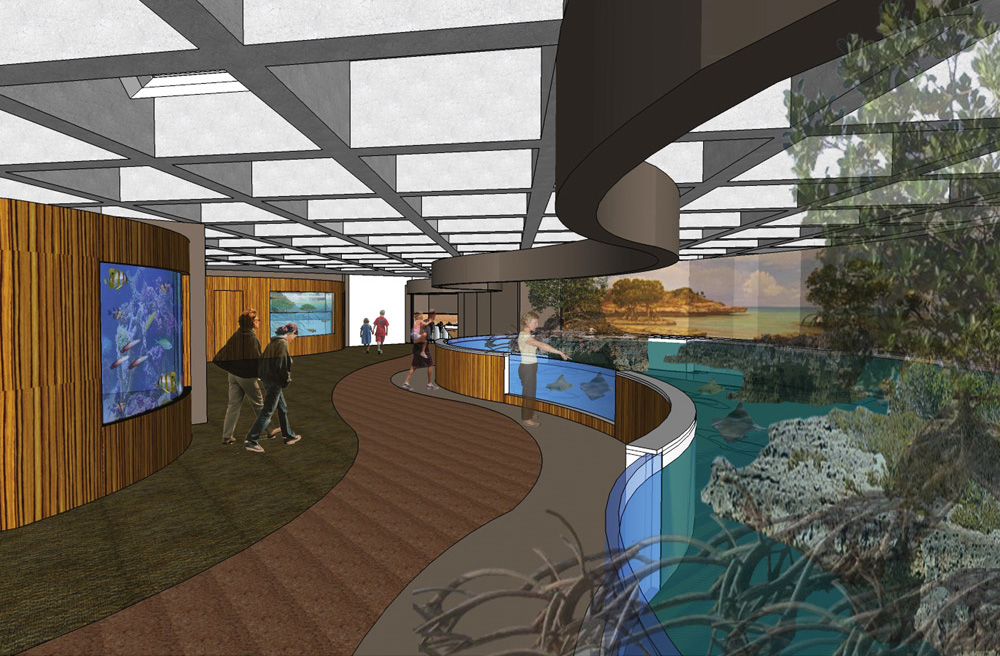
View from the entrance of the shark and ray touch tank. On top is our design phase
rendering; below is an opening day photograph.


The Aquarium provides unique challenges for designers. We have a variety of internal clients with different needs, and we need a modeling program that works quickly and accurately to convey our ideas. SketchUp’s quick modeling capabilities provided me the extra time needed to explore multiple design options on this project.

SketchUp also enabled our design team to give everyone at the Aquarium a sense of the new exhibit’s aesthetics quickly and easily. In addition to quickly creating renderings, we imported actual material samples into our models. This allowed staff and visitors to get a sense of scale and of how significant the interaction with animals would be.

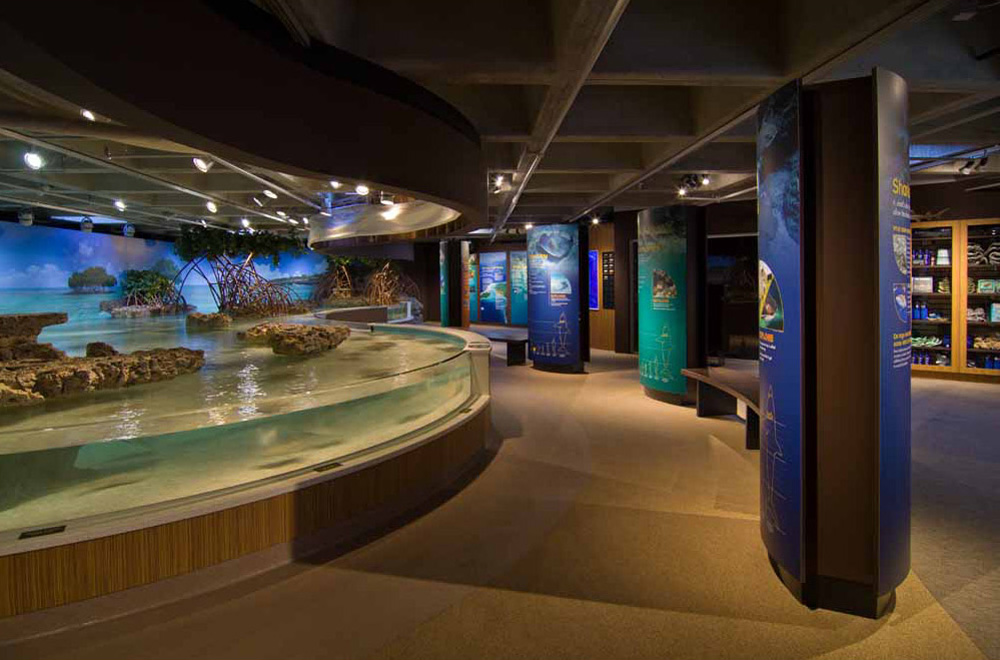
View from inside the exhibit towards the Lagoon and Cassiopeia tanks. Above is
our design phase rendering; below is an opening day photograph.


Our traditional design aesthetic for the Main Building is to make the visitor feel like they are submerged underwater, looking through portals to all the fish. The new exhibit needed to be airy and bright, allowing visitors to feel that they are no longer submerged but at the beach level interacting with the animals. To achieve this we revealed the once covered up skylights and installed a significant amount of energy efficient lighting. With natural and artificial lighting we simulated the feeling of wading around a beach touching sharks and rays.

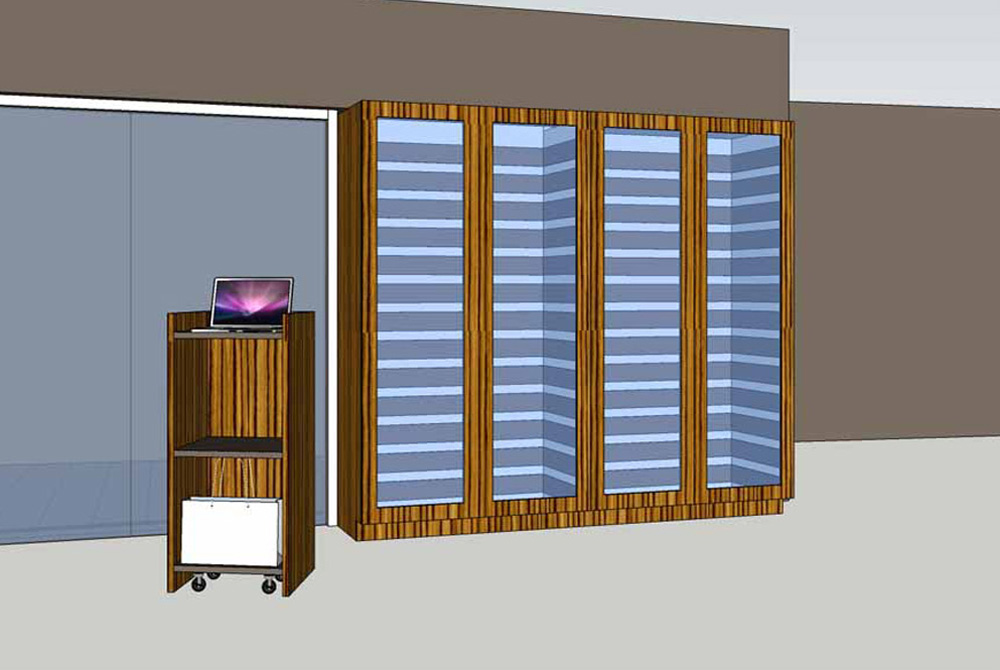
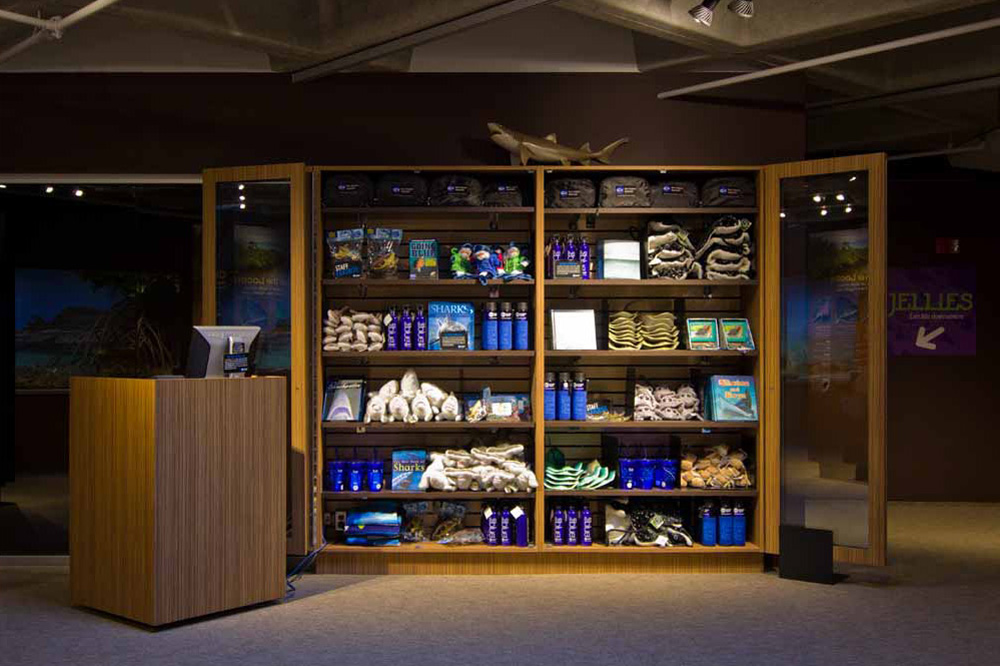
View of The Trust Family Foundation Shark and Ray Touch Tank Gift Shop. The top image is our design phase rendering; below it is an opening day photograph.


This “no surprises” methodology allowed us to receive design input from different departments quickly. Given our very tight schedule and lack of resources, it proved to be most helpful. We’re excited to continue to use SketchUp Pro on future projects and renovations at the New England Aquarium.

New cities in Building Maker

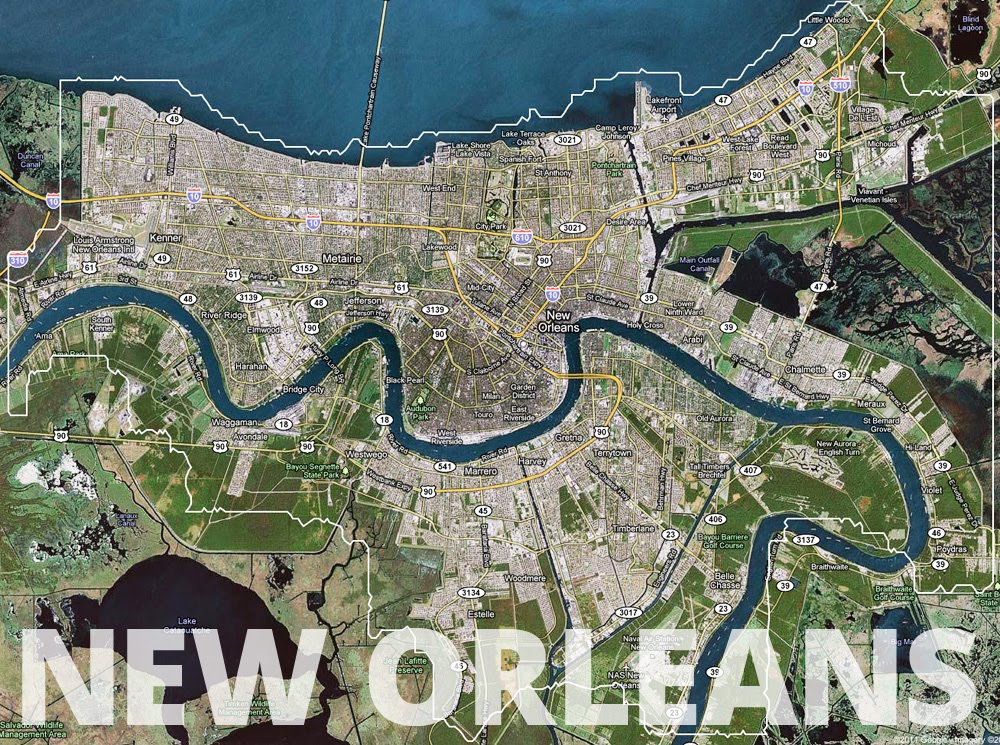
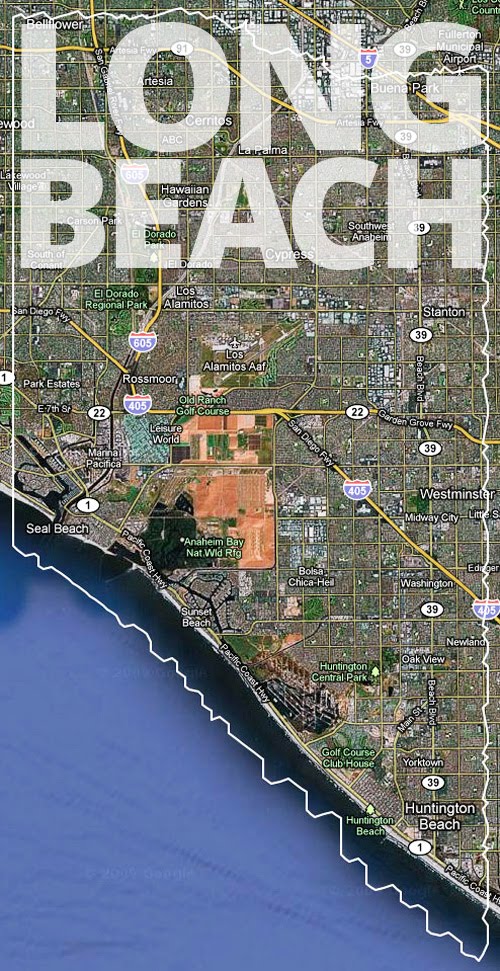
Building Maker development continues at a torrid pace. Congratulations to the people of Rome, Italy; New Orleans, Louisiana; Long Beach, California and Malibu, also in California. Your metropolises (and/or pricey beach communities) are now proud members of the getting-less-exclusive-all-the-time cadre of cities in Building Maker. One hundred and fourteen—and counting!


Google Earth: Real-time recycling and bus info

We’ve seen a lot of interesting real-time data feeds into Google Earth over the years, the most common being real-time air traffic and a feed of real-time satellite locations.

A new set of models from iNovmapping brings it to a different level — stationary objects with real-time data inside. For now, their demonstrations are for bus information, found by clicking on a bus stop, and recycling information, found by clicking on a recycling container. Here are a few screenshots and KMZ files to show you what we’re talking about.

Bus Stop – KMZ

bus.png

Recycling Container – KMZ

recycling.png

What makes these very unique is that the KMZ files aren’t necessary to make them function — they’re just to help you locate the models. In every other real-time product we’ve seen in the past, it’s been managed via a network link. In this case, they’ve added an iframe to the description box on the 3D model itself, and then they can update the information inside of the iframe with up-to-date data about that location. You don’t need to load any external KML files or network links; you can just use the standard “3D Buildings” layer in Google Earth.

If I’m not mistaken, this is the first time we’ve ever seen something like this and the potential for it is huge!

• Find a house on the beach, click it to get real-time rental prices.

• Click on a restaurant to get operating hours for today.

• Click on a house for sale to get info about pricing, open houses, etc.

• Click on a conference center to see what events are happening inside today.

The possibilities are endless, though most of the business ideas mentioned above don’t have 3D models yet. Those that do would then need to find a way to keep the iframed page updated daily, which could be technically challenging and/or time consuming. While there are some issues to work out, this is still quite impressive.

iNovmapping wants to take it even further, though. Some ideas they have for the future:

For example, developers could incorporate feeds of shows in Theaters or of expositions in Museums. This would turn the 3D layer more useful and would create an incentive on the part of the real-estate owners to put their buildings on the GE 3D Layer. Another feature … is the possibility of clicking buildings on the Earth Layer of Google Maps. Everyone likes to see realistic models but we appreciate it evan more if they speak back at us.

They make some great points. While Google Earth is an amazing tool, it’s historically been quite anti-social. Any social games or social apps of any kind end up using the plug-in via the browser, rather than try to do it inside of Google Earth. I tried making a discussion forum inside of Google Earth a few years ago, but it was quite clunky. If (when?) Google ever moves “My Places” into the cloud, that could help with sharing, but until then it’s very limited. It’s great to see a company like iNovmapping try to push the envelope a little bit with methods like this.

Google Earth: Four new cities added to Building Maker: Rome, New Orleans, Long Beach, Malibu

Last month Google added some new features to Building Maker and this month they’ve added some new cities. The new cities added are:

• Rome, Italy

• New Orleans, Louisiana

• Long Beach, California

• Malibu, California

NewOrleans.jpg

To try them for yourself, simply head over to the Building Maker site and get started!

If you’re not yet familiar with Building Maker, you can read this post on getting started with it, or watch the short video below.